Motospeed X6 Reverse engineering - Lighting, Settings
First Published: 2026-03-05
Last Updated: 2026-03-21
Motospeed X6 writeup part 2
Intro
After writing the first article, I got pretty nerdsniped into reverse engineering the rest of the mouse's features.After finding the battery request in Part 1, it got much easier as I now know what to do and where to look.
Apologies about the relative dryness of the article, there isn't as much interesting insights about the info or the reverse engineering this time.
I promise the next part on Macros will be much more interesting.
At its core, the API still sends SET_REPORTs with custom payloads to EP0 to act as a private command, and it is pretty easy to reverse by just toggling stuff and seeing what in the payload changes.
Note: I assume that byte 2 in general acts as a command identifier, although it is pure conjecture, it lines up pretty well. (In this same vein, Lighting commands have an byte 3 additional sub-command identifier)
Lighting
There are 4 lighting 'modes': (Nothing, Static, Breathing and Rainbow), byte 3 communicates the mode.Apart from that, there isn't particularly anything interesting to say about lighting packets, as the mode byte is followed by the brightness and speed bytes, and finally the RGB bytes and padding.
No Lighting packet
b5 24 00 00 00 00 00 00 00 00 00 00 00 00 00 00 00 00 00 00 00
│  │  │  └──────────────────padding──────────────────────────┘
│  │  └─ 0x00 (No Lighting Mode)
│  └ 0x24 (Lighting Command)
└ 0xb5 (Report ID)
Static Lighting packet Example:
Colour: RGB(255,51,50) and (brightness=255)b5 24 01 ff 80 ff 33 32 00 00 00 00 00 00 00 00 00 00 00 00 00
│ │ │ │ │ │ │ │ └───────────────padding───────────────┘
│ │ │ │ │ └R └G └B
│ │ │ │ └ Unused
│ │ │ └ Brightness
│ │ └ 0x01 (Static Lighting Mode)
│ └ 0x24 (Lighting Command)
└ 0xb5 (Report ID)Breathing Lighting packet Example:
Colour: RGB(0,255,6), (brightness=255) and (Speed=204)Note: Speed = Breathing animation speed
b5 24 02 ff cc 00 ff 06 00 00 00 00 00 00 00 00 00 00 00 00 00
│  │  │  │  │  │  │  │  └───────────────padding──────────────┘
│  │  │  │  │  └R └G └B
│  │  │  │  └ Speed
│  │  │  └ Brightness
│  │  └ 0x02 (Breathing Lighting Mode)
│  └ 0x24 (Lighting Command)
└ 0xb5 (Report ID)
Rainbow Lighting packet Example:
Colour: (brightness=121) and (Speed=255)Side note, I have no idea why byte 6 is set to FF (byte 6 is R in other modes)
b5 24 03 79 ff ff 00 00 00 00 00 00 00 00 00 00 00 00 00 00 00
│  │  │  │  │  │  └──────────────────padding─────────────────┘
│  │  │  │  │  └ Unknown
│  │  │  │  └ Speed
│  │  │  └ Brightness
│  │  └ 0x03 (Rainbow Lighting Mode)
│  └ 0x24 (Lighting Command)
└ 0xb5 (Report ID)
Settings
The settings packets are in comparison quite a bit more interesting, they cram all the settings into one payload, and more importantly there is an unused byte which appears before scroll direction, indicating there might be some hidden setting which is disabled if following convention.General Settings packet Example:
Lift Up Distance = High, Ripple = on, Angle Snap = Off, Motion Sync = Off, Esports Mode = Closedb5 42 02 01 02 01 00 01 01 00 00 00 00 00 00 00 00 00 00 00 00
│ │ │ │ │ │ │ │ │ └────────────padding──────────────┘
│ │ │ │ │ │ │ │ └ Esports Mode (01 = Closed, 02 = Open)
│ │ │ │ │ │ │ └ Scroll Direction (01 = Forwards, 02 = Backwards)
│ │ │ │ │ │ └ Unknown
│ │ │ │ │ └ Motion Sync (01 = On, 02 = Off)
│ │ │ │ └ Angle Snap (01 = On, 02 = Off)
│ │ │ └ Ripple (01 = On, 02 = Off)
│ │ └─ Lift Up Distance Flag (01=low, 02=high)
│ └ 0x42 (General Settings Command)
└ 0xb5 (Report ID)Debounce time packet Example:
Debounce = 7msb5 43 07 00 00 00 00 00 00 00 00 00 00 00 00 00 00 00 00 00 00
│ │ │ └─────────────────────padding───────────────────────┘
│ │ └─ Debounce Time (ms) (Application Limit is 0-20)
│ └ 0x43 (Debounce Time Command)
└ 0xb5 (Report ID)Sleep Time packet Example:
Sleep Time = 1 minuteb5 0a 01 01 00 00 00 00 00 00 00 00 00 00 00 00 00 00 00 00 00
│ │ │ │ └────────────────────padding─────────────────────┘
│ │ │ └─ Sleep time (minutes)
│ │ └─ Unknown (Untested suspicion is that it changes the time units)
│ └ 0x0a (Sleep Time Command)
└ 0xb5 (Report ID)Crammed Packets
The DPI packet is quite remarkable in how much they managed to cram into one packet.Motospeed uses the same packet to change DPI values, which DPI slot is currently being used and even how many DPI slots are active.
Byte 4 changes the currently active slots,
Bytes 6-15 stores the DPI as sets of 16bit unsigned integers in little-endian format,
and finally byte 16 changes the number of active slots.
DPI packet Example:
Currently selected DPI Slot: 4 (0-indexed), Slot 0 DPI: 400, Slot 1 DPI: 800, Slot 2 DPI: 1200, Slot 3 DPI: 3200, Slot 4 DPI: 26000, DPI Count: 5Notes: DPI is stored in little endian format. (e.g.
0x04b0 would be stored as b0 04)Max DPI is 26000
b5 40 ff 04 ff 90 01 20 03 b0 04 80 0c 90 65 05 00 00 00 00 00
│  │      │    └─┬─┘ └─┬─┘ └─┬─┘ └─┬─┘ └─┬─┘  │ └──padding───┘
│  │      │      │     │     │     │     │    └ DPI Count (Max 5)
│  │      │      │     │     │     │     └ Slot 4 DPI
│  │      │      │     │     │     └ Slot 3 DPI
│  │      │      │     │     └ Slot 2 DPI
│  │      │      │     └ Slot 1 DPI
│  │      │      └ Slot 0 DPI
│  │      └─ Selected DPI Slot
│  └ 0x40 (DPI Command)
└ 0xb5 (Report ID)
The dongle polling rate packet is extremely similar to the DPI packet, with the difference in that it has 1 index/slot more than DPI.
What may warrant further research is the fact that Motospeed does not expose the ability to change the polling rates.
I suspect things might start to either break, start doing interesting things, or quietly nothing changes if you change those values when sending to the mouse.
I leave this as an exercise to the reader, as I don't want to break my one and only mouse.
Polling packet Rate Example:
Polling rate (index 3: 2000hz)b5 41 ff 03 ff 7d 00 f4 01 e8 03 d0 07 a0 0f 40 1f 00 00 00 00
│ │ │ └─┬─┘ └─┬─┘ └─┬─┘ └─┬─┘ └─┬─┘ └─┬─┘ └─padding─┘
│ │ │ │ │ │ │ │ └ Index 5 8000hz
│ │ │ │ │ │ │ └ Index 4 4000hz
│ │ │ │ │ │ └ Index 3 2000hz
│ │ │ │ │ └ Index 2 1000hz
│ │ │ │ └ Index 1 500hz
│ │ │ └ Index 0 125hz
│ │ └─ Currently selected index
│ └ 0x41 (Polling Rate Command)
└ 0xb5 (Report ID)Additional Details
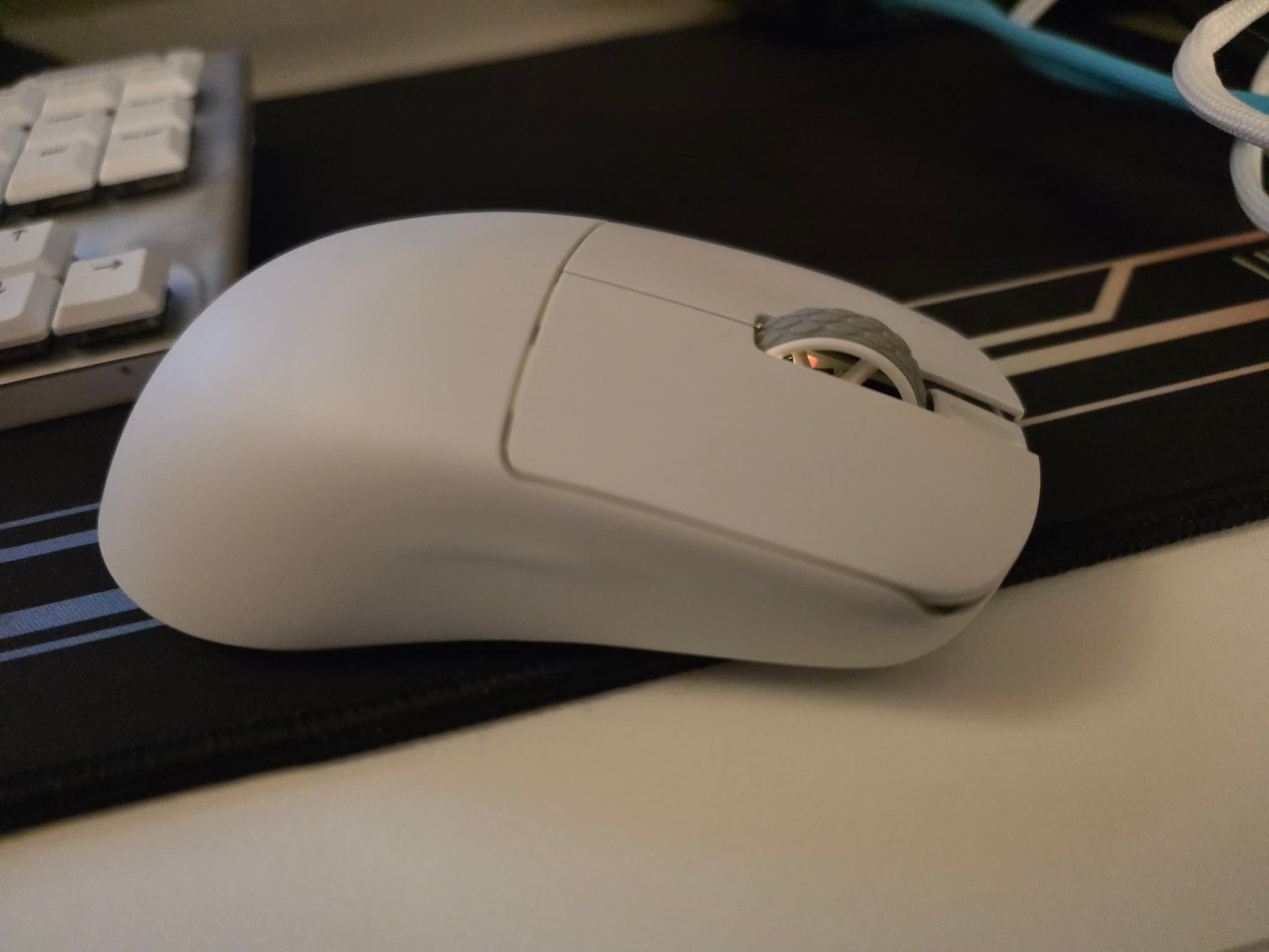
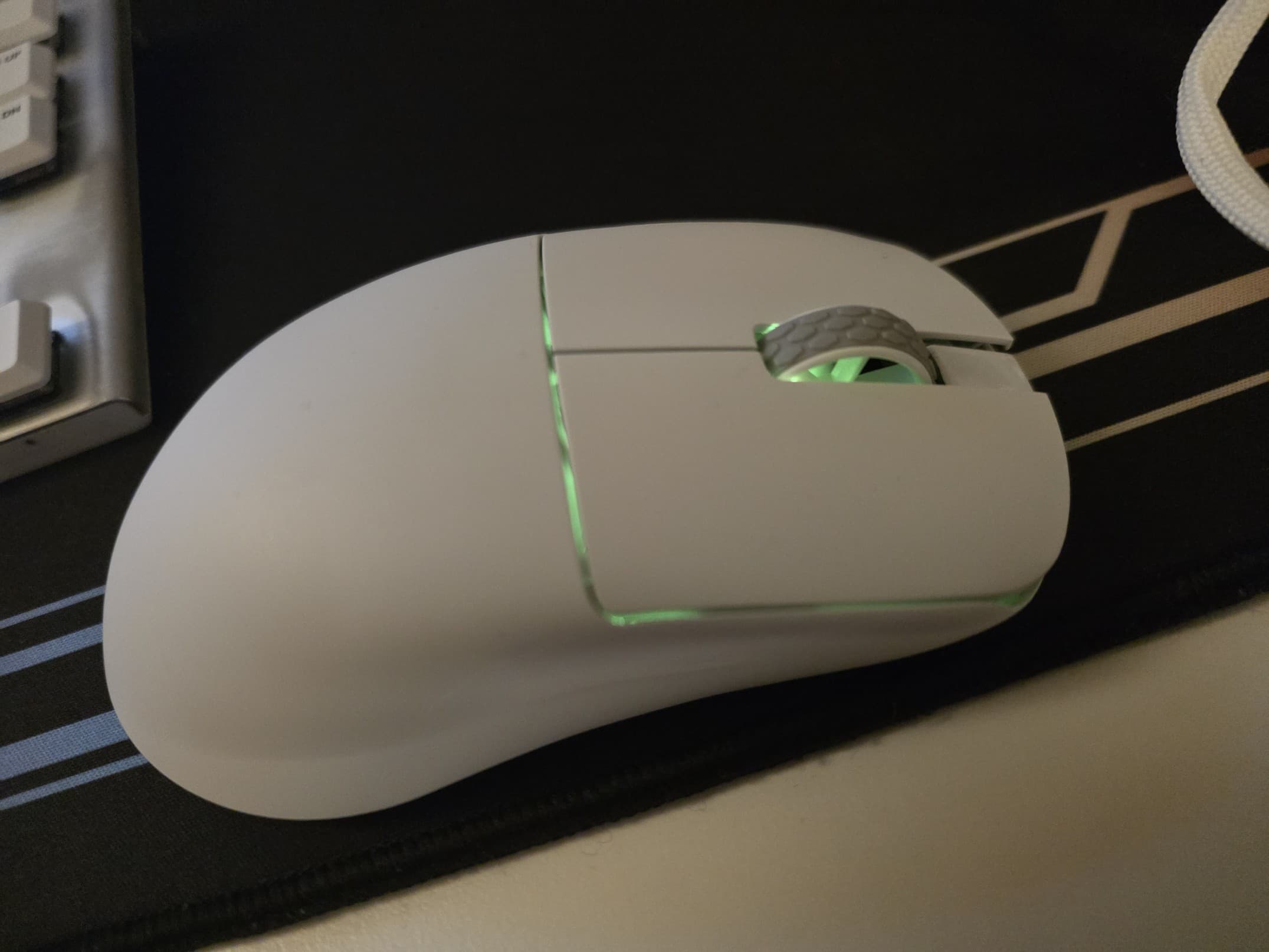
The software saturation slider in the lighting controls is purely software based, all it does is change the RGB values in the command, it does not have its own byte.Additionally, as an aside, the colour reproduction for the RGB is kinda crap, with a side-by-side for some colours, you wouldn't think they are supposed to be identical.
Conclusion
Compared to part 1, I found this significantly easier to research as I learnt a lot during the process.I find this stuff facinating, the amount of stuff they were able to achieve without custom drivers just by using SET_REPORT as a private channel to communicate configuration info.
Maybe one day I will write a virtual HID driver for controlling the RGB lights, of which I would argue hardly deserves that name, given how bad the colour reproduction is.
In part 3, I will explore how their button remapping feature works, so hopefully, I will see you then.
POC code is available here
Postscript
Edits:
- (21.03.2026) Added scroll direction to general settings as I just forgot to test this feature ㄟ( ▔, ▔ )ㄏ